The core loop
PC FISH is designed to sit beside your normal desktop routine. Your useful early loop is simple: feed → grow → upgrade → breed → collect. You do not need to rush; steady progress gives you better breeding choices later.
Your first 15 minutes
- Add your first baby fish and learn where its needs appear.
- Keep basic food available and watch the growth state change.
- Use early rewards on useful aquarium progress before cosmetics.
- Add a second compatible adult when you are ready to learn breeding.
- Keep unusual colors or patterns instead of trading them immediately.
Good early rule: improve the collection loop first. Decorations feel better once your aquarium can support more fish.
Aquarium levels and unlocks
Aquarium levels are the backbone of progression. They expand what you can do, so a new player should favor actions that keep fish healthy and the aquarium active. One especially useful milestone is aquarium level 4, which unlocks the Trade Hub.
| Goal | Why it matters | New-player priority |
|---|---|---|
| Feed consistently | Keeps growth moving | High |
| Add a second adult | Opens useful breeding choices | High |
| Upgrade aquarium | Moves you toward new systems | High |
| Buy decorations | Personalizes the desktop view | Medium |
Breeding fish
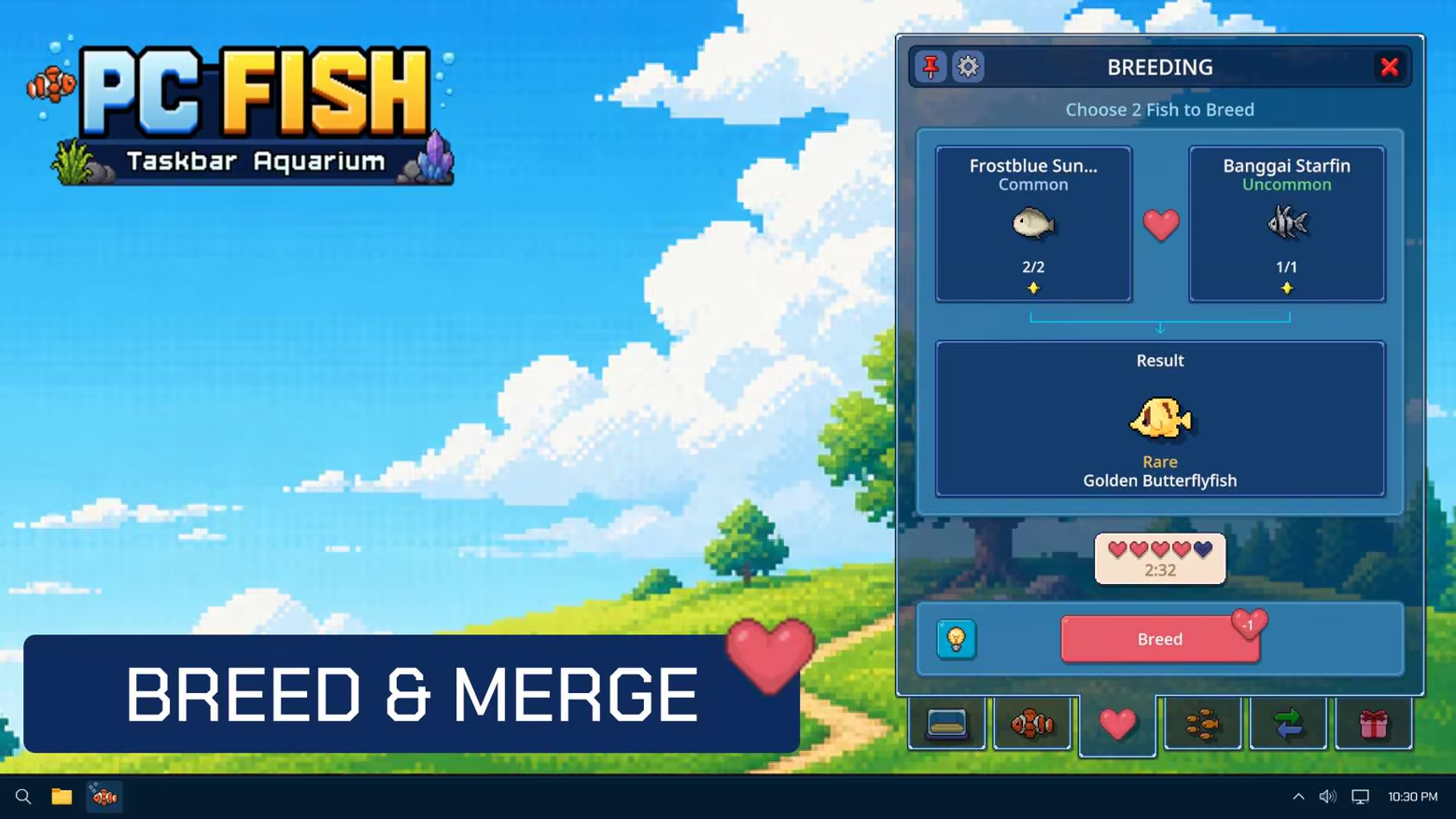
Breeding is more valuable when you select parents for a reason. Compare their visible colors, patterns, or other traits, then decide what you want the next generation to inherit. Keep rare-looking results until you understand their value.
A simple breeding plan
- Choose one trait you want to preserve.
- Pair it with a fish that adds a different desirable trait.
- Keep notes on the results for two or three generations.
- Avoid clearing your only copy of an unusual trait.
Trading safely
The Trade Hub becomes available at aquarium level 4. Before you trade, keep a backup of traits you still want for breeding and check the in-game interface carefully. Steam Market availability applies only to eligible items; the game interface is the source of truth.
Common beginner mistakes
- Spending every early reward on decoration.
- Trading a rare-looking fish before breeding from it.
- Expanding too quickly without keeping food ready.
- Assuming the aquarium is a traditional full-screen live wallpaper.
Platform requirements
The Steam release supports Windows and macOS. Because PC FISH is meant to stay on the desktop, check background performance on your own machine and close optional visual effects if you want the lightest setup.
Frequently asked questions
Do I need to keep the game open?
PC FISH is built as a desktop companion, so its aquarium experience is intended to run alongside other tasks. Use the in-game settings to tune it for your routine.
What should I unlock first?
Prioritize the feeding and growth loop, then breeding, then aquarium level 4 for the Trade Hub.